Make ‘Em Shine: Adding Metallics Was Never So Easy
If your customers can benefit from metallic effects, whether digital or offset, here are five approaches you can consider.

There is no reason for your customers’ labels or packages not to shimmer and shine, even if they are being printed digitally. If your customers can benefit from metallic effects, whether digital or offset, here are five approaches you can consider.
1. True digital metallic silver and gold.
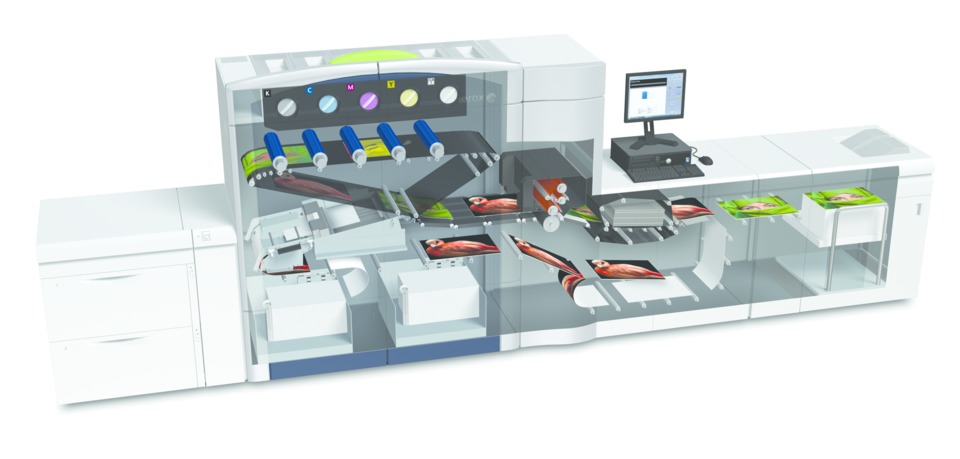
It used to be that if you wanted to print metallic, it had to be on an offset press. Not anymore. The Kodak Nexpress has been offering true gold dry ink for some time, and Xerox is also doing engineering testing with gold and silver inks. Others are expected to follow.
Why aren’t there more already? Technical issues under the hood, particularly for liquid inks such as HP’s ElectroInk and inkjet. Running a charge through an aluminum particle can cause arcing on the press that can damage the machine and potentially the operator. There are also concerns about the heavier metallic pigments precipitating out, requiring the inks to be agitated.
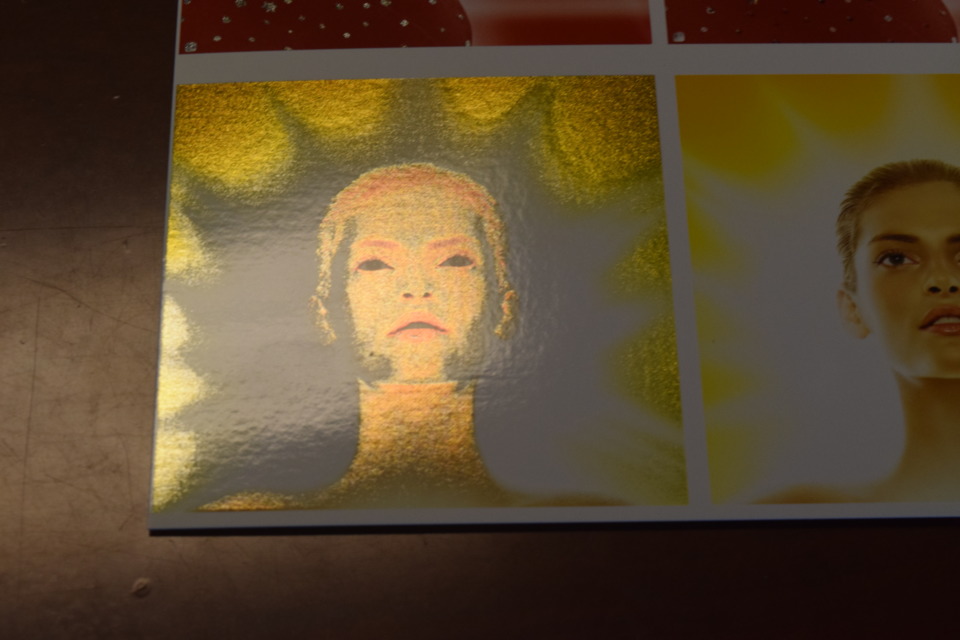
In the meantime, designers are taking notice of digital dry gold. Working with Neenah Paper, Ingalls Design, for example, recently produced a series of postcards targeting craft beer makers in California with a set of samples printed on Neenah’s new line of colored papers.
In a PaperSpecs video, Kseniya Makarova, speaking as a senior designer at Ingalls Design (now creative team lead at Pivot Design, San Francisco), noted that, especially with something as new as digital metallics, the flexibility of digital gives designers the freedom to do multiple proofs. In this case, when Ingalls was printing gold over colored substrates and using gradients, the team was able to experiment and adjust designs to get the best looks.
“Gold ink gives us a lot of opportunity to add dazzle and shimmer in a really cost effective way,” she said. (“In the Design Studio: Digital Gold Ink,” PaperSpecs December 9, 2014.)
Xerox’s new metallic dry inks are expected to shake up the market, as well. The inks will use Xerox's Emulsion Aggregation (EA) technology, which features ellipsoid-shaped inks with the flat reflective pigments completely covered by toner particles. The specialty dry ink can be swapped in and out of the press as needed. In addition to producing one of the highest Flop Indexes in the industry, according to Xerox, the low-melt EA technology allows these inks to be used on specialty substrates such as vinyl and magnets.
“Printers are able to produce metallic images on a wide variety of applications and still run those all inline at rated press speed,” said Mary Roddy, Worldwide Product Marketing manager, Xerox. “You get faster turnarounds on high value applications while removing much of the traditional process cost and time.”
Xerox’s metallic silver and gold dry inks were a MUST SEE ‘EMs winner at GRAPH EXPO 14.
2. Simulated metallic inks.
If you can’t print true metallic ink, there are a growing number of ways to simulate it.
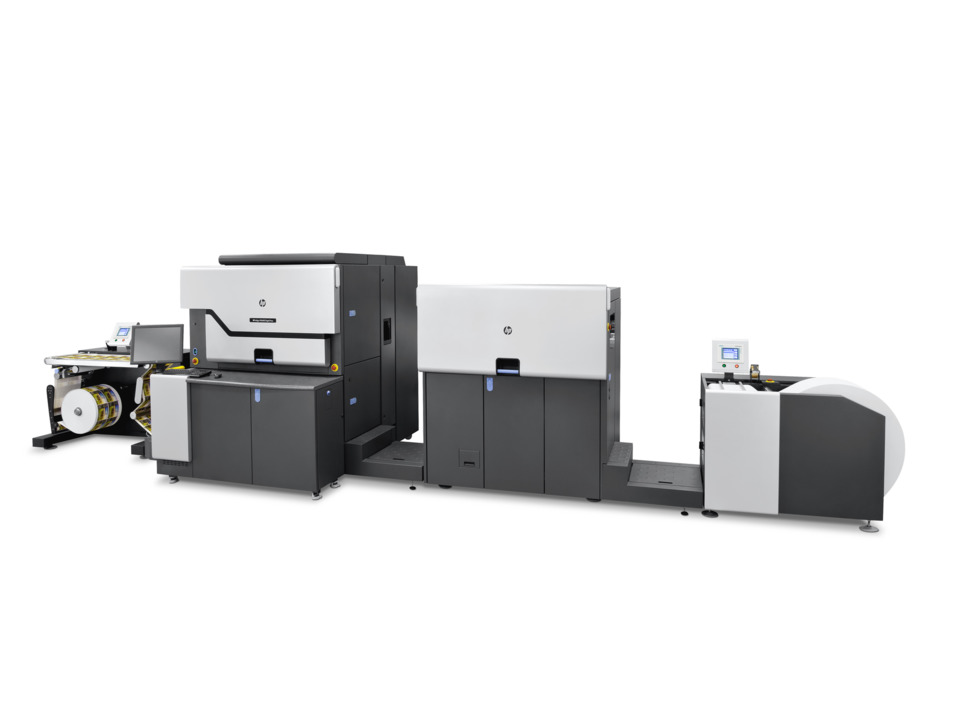
HP’s ElectroInk Silver, formulated for the HP Indigo WS6600 Digital Press, was introduced two years ago and enables printers to print silver on plain stock. While not true metallics, they provide tremendous cost savings over white masking on a metallic substrate.
Although MPR could not get approval for a customer quote before publication, HP offered a statement from one of its early adopters, Geostick B.V. “We are thrilled with the early results of the new HP Indigo silver ink,” said Cees Schouten, technical director, Geostick B.V. “We already sold labels printed with it to customers who . . . were unable to detect any differences from conventionally printed silver ink.”
Durst has announced a silver UV ink for its Tau 330 UV Inkjet Label Press, as well.
3. Faster, easier simulations over metallic substrates.
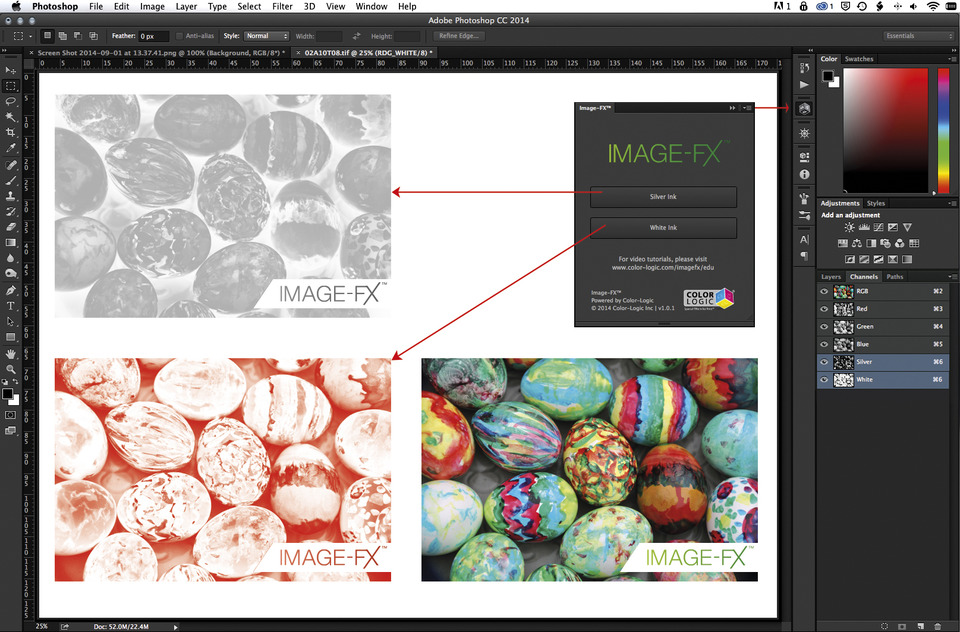
For digital, metallic effects can have traditionally been achieved using metallic substrates and white ink masking to block out the substrate where metallics are not desired. While effective, this process is very time consuming. Now software is being developed that takes the design process from hours (or days) to minutes. Color-Logic, for example, uses plugins for Photoshop, Illustrator, and InDesign that allow designers to apply metallic effects simply by selecting the area the effect desired and clicking a button.
To demonstrate how dramatic the time savings can be, Color-Logic created a YouTube video in which it downloaded a stock vector file with multiple SKUs generating 24 retail tags, then added metallic and special effects to them. It completed all 24 tags, from start to finish, in less than nine minutes. (The video, titled “Color Logic White Ink Masking,” is viewable on YouTube).
The Color-Logic Design Palette is offered through licensed printers, who create their own color charts on their presses. They provide those charts to their clients, along with the Color-Logic Design Suite CD, which contains the color palettes and plugs-ins. The software allows designers to create 250 metallic colors with one foil or with silver ink.
To speed proofing, clients can use Color-Logic’s 3D visualization software called FX-Viewer. This takes the PDF file and imports it to a 3D environment so clients can see the effects of foil or metallic ink printing on screen.
4. Faster masking for offset.
The advances in metallic aren’t limited to digital printing. The advantages of automatic masking can be applied in offset, as well. Especially in markets like cosmetics where metallic are heavily used, the time savings can be dramatic.
Mark Geeves, director of sales and marketing for Color-Logic, said one large CPG that got frustrated when one complicated project was taking its print provider not just weeks but months in prepress, so it came to Color-Logic for help. “It was shocked when it discovered that the challenges could be solved in just minutes with a $199 plug-in,” he said.
The advances keep coming. In early January, Color-Logic released Image-FX, a software plug-in that creates a metallic ink separations for conventional printing or a white ink separation for use with metallic substrate. The Photoshop plug-in is available to Adobe Creative Cloud users and produces images particularly effectively in wide-format and UV printers.
Other providers offer plug-ins for offset, as well. FFEI, for example, offers its own software tools for automatic masking with its Graphium hybrid UV inkjet press.
5. Use cold foil.
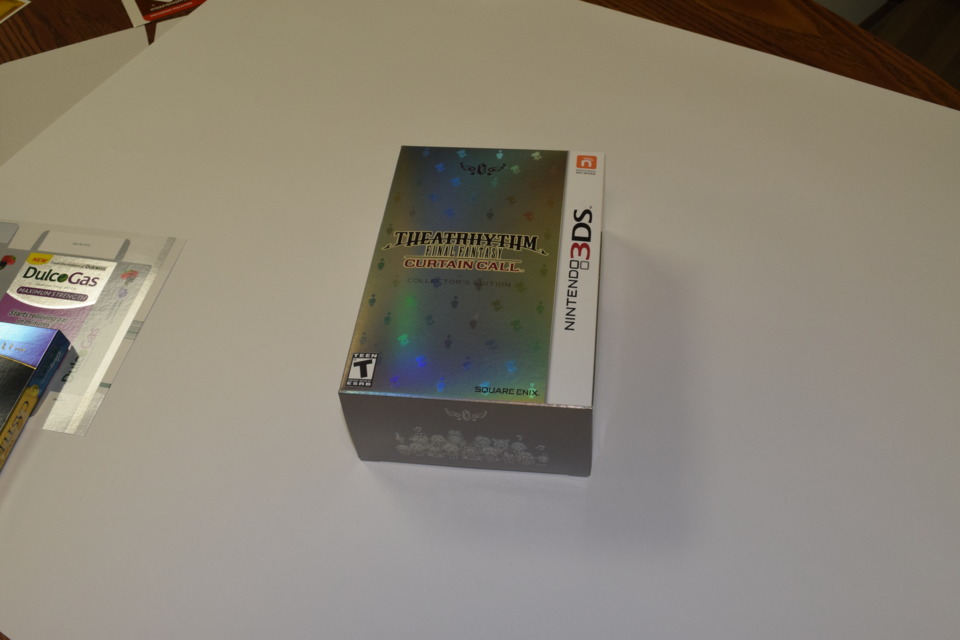
Another advance in offset arena is coil foil, which can be run on any offset press and allows printers to offer foiling inline. This is a relatively new process, and printers’ comfort level with it is still growing. But the benefits are moving that comfort level right along.
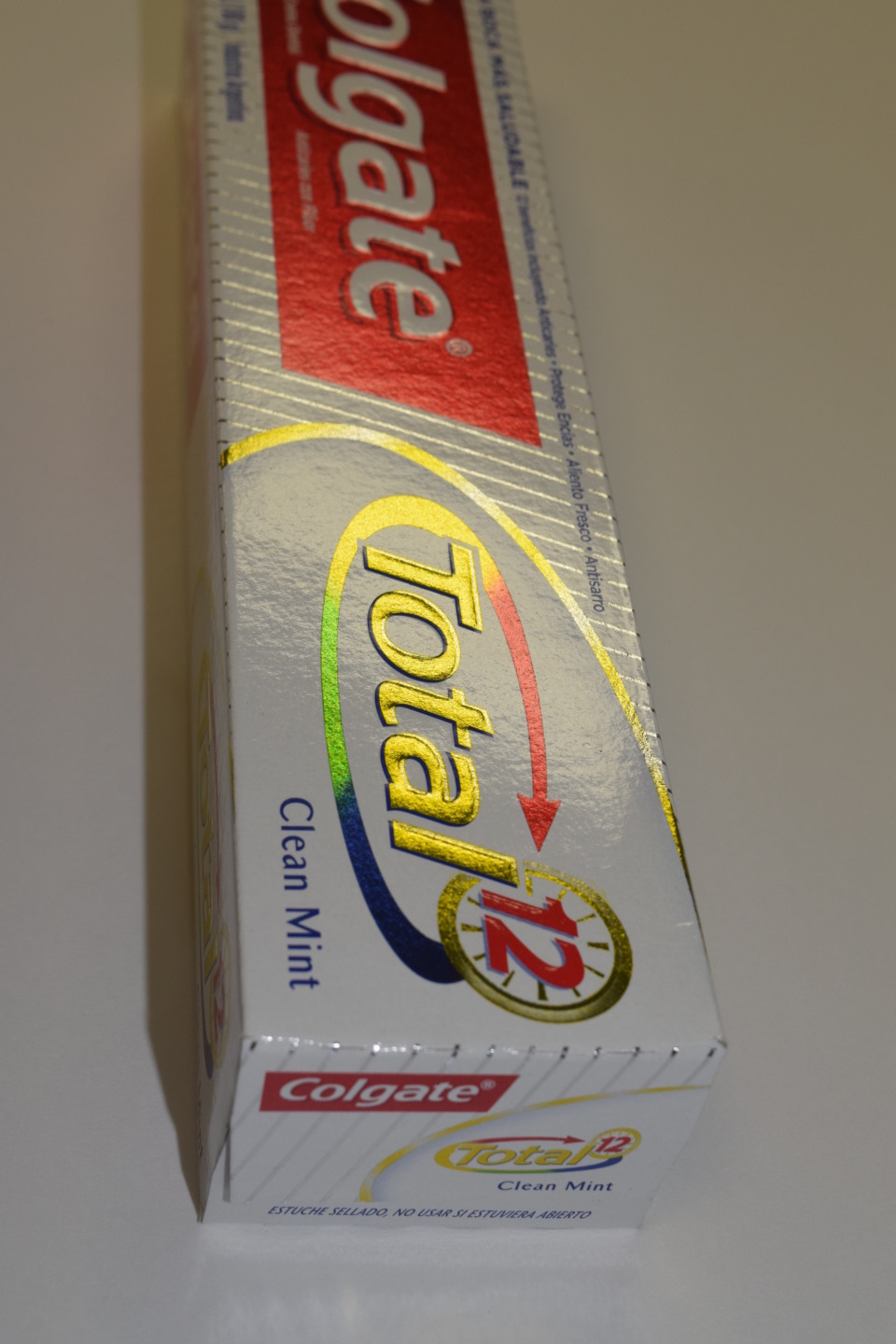
Cold foil uses the existing towers on the press. One tower runs the adhesive (which is the same consistency as ink), and by switching out the blankets from a printing blanket to a foil applicator blanket, the second tower applies the foil. CMYK is overprinted in the same way as on metallic substrates like foil board or foil paper except that printers pay only for the foil that gets used. Cold foiling uses primarily silver, but can use gold and holographic foil as well.
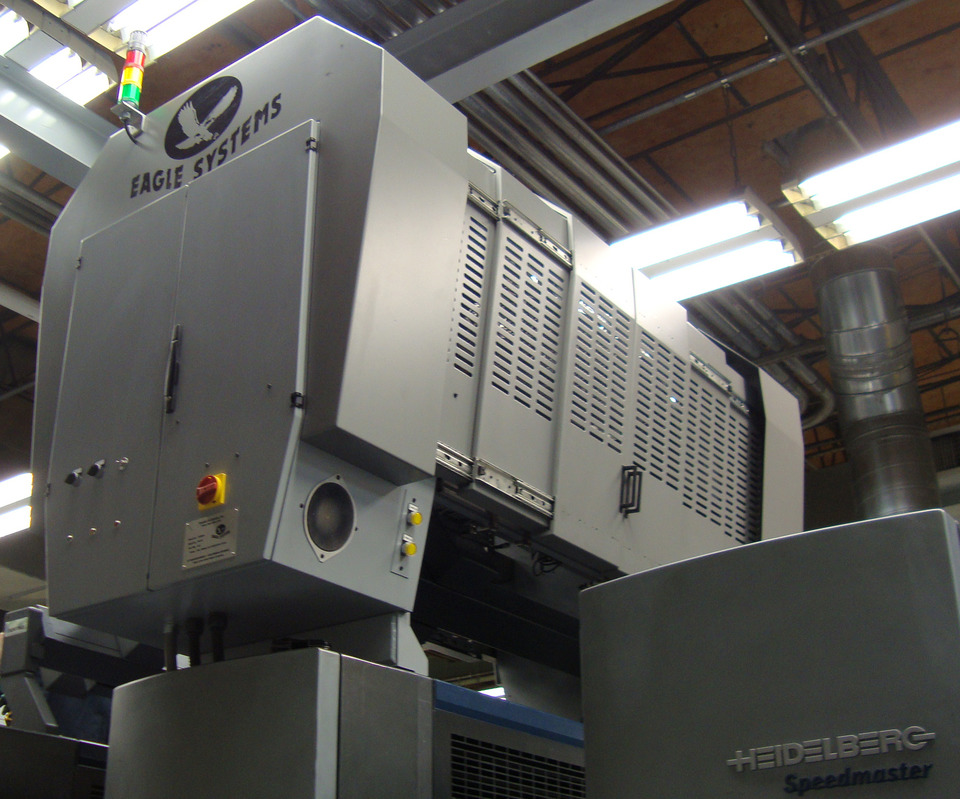
“This can be a huge cost saver to a lot of companies, especially if they were previously outsourcing hot foiling,” said Ellen Manning, vice president of marketing for Eagle Systems, which specializes in hot and coil foil. “With hot foil, you pay for dies, the logistics of paper handling, the capital expensive of the foil stamper, and post-processes like die cutting and embossing. With cold foil, it’s inline. Once it’s printed, it’s done.”
Once the foiling is complete, printers can switch back to their normal press configurations with simple press cleanup and swapping out of the blankets. Initial installation of the equipment takes about a day and a half.
“A lot of people don’t realize that you can create different effects with cold foil,” Manning explained. “Cold foil can be glittery, flat, dull, or shiny. You can create graduated effects from light to dark, type down to 2 point, and reverse outs as well. The beauty of cold foil is it also has its own market for things that cannot be done any other way.”
For projects that require printing on the backside of the substrate, there are additional benefits. The lack of heat or pressure offered by cold foil means that there is no impression on the back of the paper. This can be particularly beneficial when customers need to print on the backsides of magazine pages or the interiors of cartons.
Cold foil can be used as the basis for overprinting. Color-Logic software can also utilize the cold foil as a metallic substrate.
All of this is great news for printers serving clients to differentiate themselves on crowded retail shelves. Even when serving small and midsized clients, there is no excuse to be dull.
[1] “In the Design Studio: Digital Gold Ink,” PaperSpecs December 9, 2014.